
TakeRunner Coming soon to iPhone
For iPhone · coming soon

Talk to the camera.
Get a finished Short.

TakeRunner is a teleprompter that follows your voice, and an editor that does everything after it. You talk for a minute. Minutes later, your phone has the finished video: cut, captioned and illustrated, in vertical and horizontal.

Fast
a finished video minutes after you stop talking
No editing
no timeline, no keyframes, no app to learn
Two formats
vertical and horizontal, from one take

Animated demo: a person records a take while the teleprompter lines slide up under the camera. The take is edited in the cloud in five steps, the room behind the person is removed, and the finished video plays with a title, an animated number card, B-roll and word-by-word captions. A notification says the video is ready to review.

How it works

One take.
No editing.

You do the part only you can do: say it. TakeRunner does the evening of editing you'd otherwise spend on a one-minute video.

AI in games

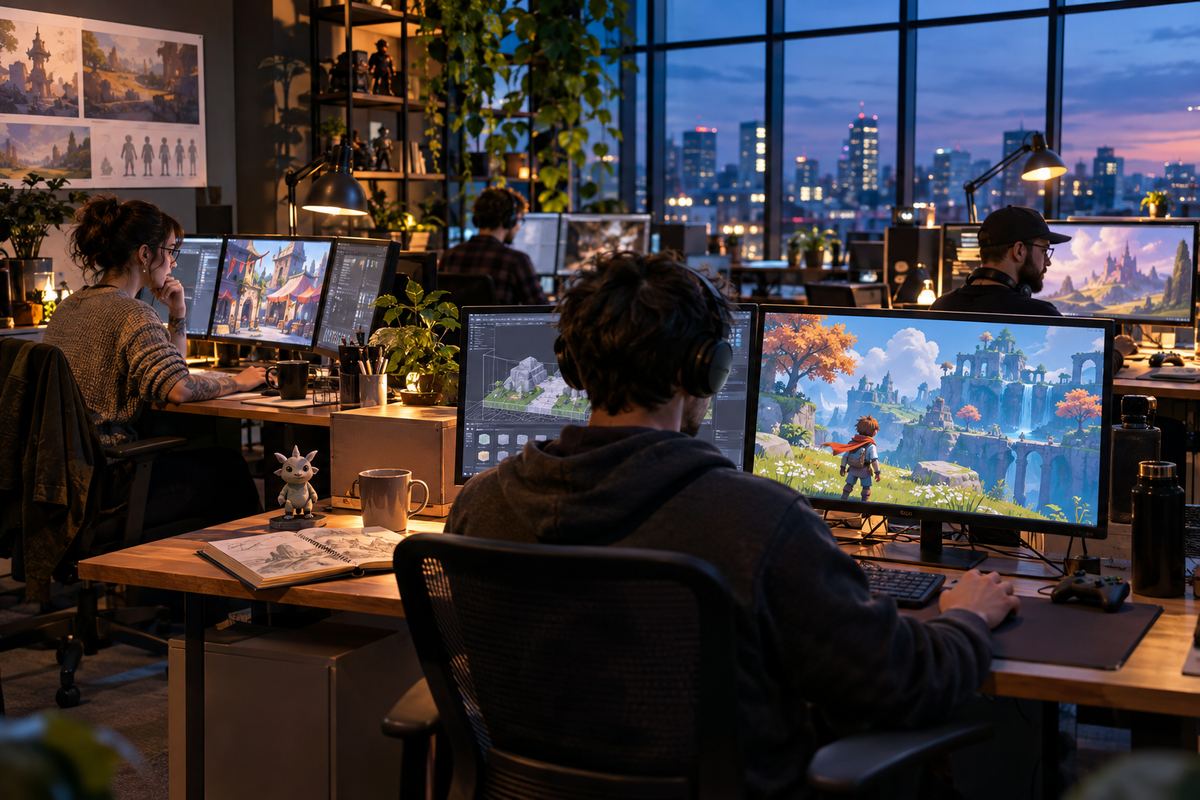
Four in ten game developers already use generative AI at work.

In January it was 36 percent. Now it's 40.

So where does it actually help?

Follow for more tech news.

01

Bring your lines

Your script shows one line at a time, each one a thought you can say in a breath. No script? Tap Free recording and just talk.
Four in ten game developers already use generative AI at work.

In January it was 36 percent. Now it's 40.

So where does it actually help?

Follow for more tech news.

02

Say it to the lens

The line you're reading sits right under the camera and slides away as you finish it. Slip on a line? Tap Redo line and say it again. Recording stops by itself at the end.

0:50
AI in games Ready to review
✓ ApproveChanges
↓ Save to Photos
03

Review and post

A notification says the edit is ready. Watch it, approve it, or say what to change and get a new version. Then save it to Photos and post.

The edit

Everything an editor
would do. Done.

Every video gets the same calm, consistent look, built around your words: cards appear on the word that says the number, and nothing ever covers your face.

You, cut out of your room

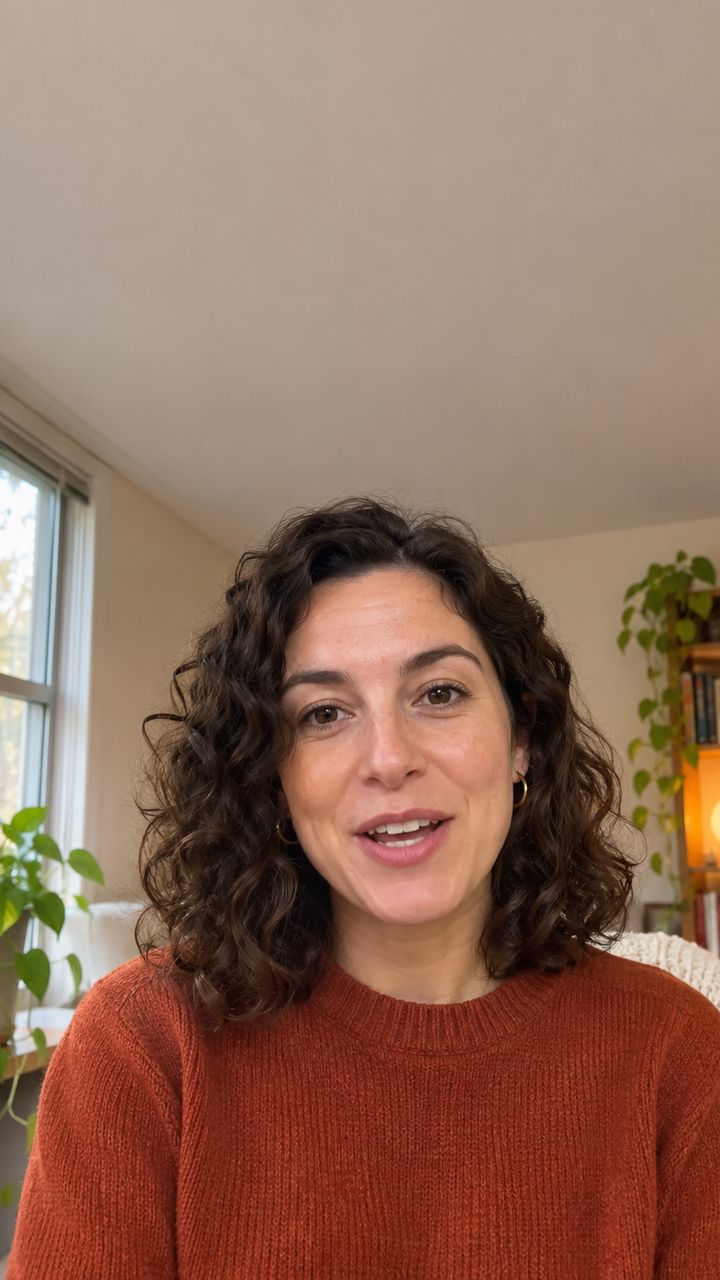
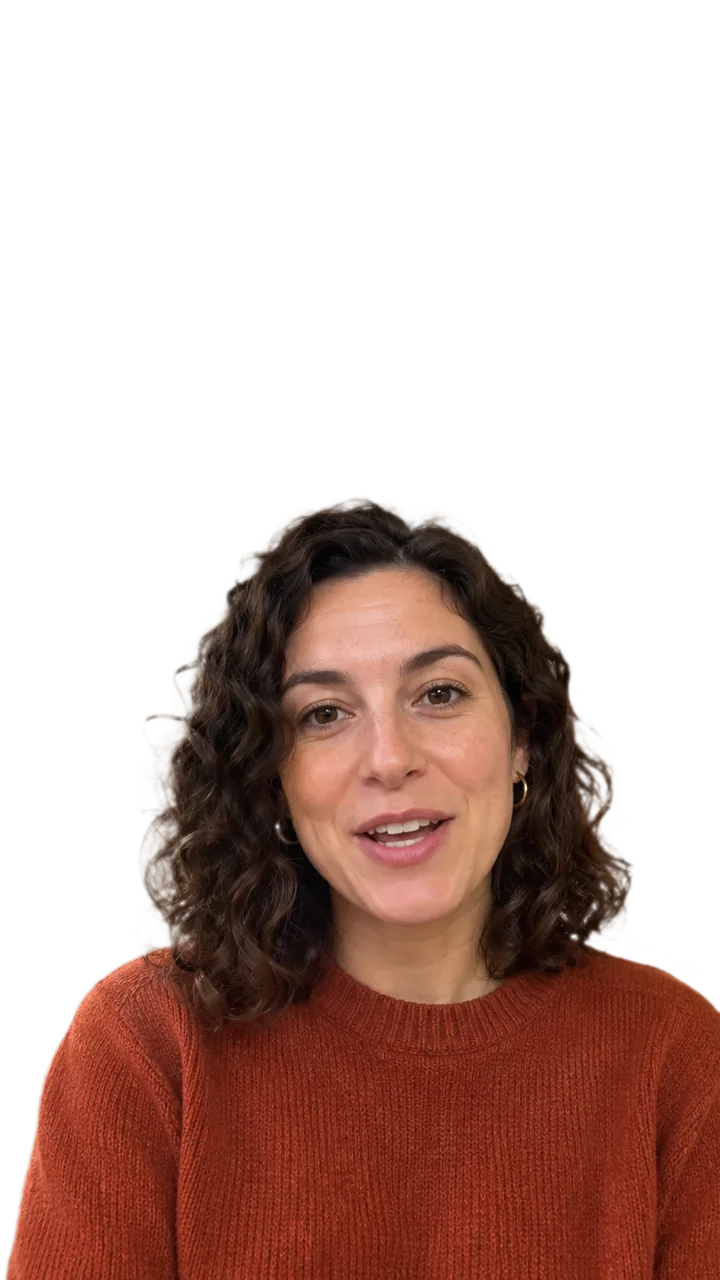
Record anywhere. The background is removed and replaced by a soft animated one, with you gently stabilized in the frame.

↔ Drag to compare
The same person over TakeRunner's animated background
A person recording in a home office
Your roomYour video
↔

Silences trimmed

Dead air at the start and end goes. Long pauses get shorter. Natural breathing stays.

Cards on your words

Titles, big numbers, charts, lists, headlines and questions, each timed to the word that says it.

Captions that keep up

Word by word, lighting up as you say them.

Punch-ins

The framing changes about every three seconds, so a single take never feels static.

B-roll, found for you

When you name something worth seeing, the video cuts to it: stock footage, or a generated image. Always credited.

Say it again

Stumbled? Repeat the line in the same shot. Only your last attempt makes the cut.

Both formats

Vertical for Shorts, Reels and TikTok. Horizontal for YouTube. Plus a cover image.

Clean sound

Noise removed, voice evened out, a quiet music bed underneath.

Fast

Ready in minutes.
Not an evening.

The edit runs on our servers, not on your phone. Close the app and get on with your day. A notification tells you when your video is ready.

  1. Listens to your takeEvery word gets its exact moment.
  2. Trims the silences and cuts you outDead air goes. So does your room.
  3. Plans the cards and B-rollWhat to show, and on which word.
  4. Renders both formatsVertical, horizontal and a cover image.
  5. Ready to reviewYour phone lets you know.
The teleprompter

It listens.
You just talk.

  • Eyes on the lens. The line you're saying sits right under the front camera, big, with the next ones waiting below.
  • It follows your pace. The text moves when you do, on your iPhone, with no scroll speed to set. Pause as long as you like.
  • Redo line. One tap sends you back to the start of the line. Say it again and keep going; the bad attempt is cut for you.
  • Stops by itself. A moment after your last line, the recording ends. No reaching for the screen on camera.
Privacy

Your recordings
stay yours.

Videos are stored privately and edited by our own software on Cloudflare's infrastructure. No ads, no analytics, no selling anything about you, and no AI trained on your content. Read the privacy policy.

  • No passwordsSign in with Apple or a code sent to your email.
  • Your video stays putYour recording is never sent to another company.
  • Delete everythingRemove your account and all its videos from the app, anytime.
Questions

Before you ask.

When can I get it?

TakeRunner for iPhone is in testing and coming soon. There's no public download yet.

Which languages does it work in?

Brazilian Portuguese today: the teleprompter follows it and the edits are made for it. More languages are planned. (The demo on this page is in English so it's easy to follow.)

Do I need to keep the app open while it edits?

No. The edit runs on our servers, not on your phone. Close the app if you like; a notification arrives when your video is ready.

What if I don't like the edit?

Tap Changes and type or say what you want, for example “remove the list card” or “the price is 41, not 40”. TakeRunner redoes the edit and sends it back for review.

Where does the B-roll come from?

From free stock footage (credited on screen to its author), or, when nothing fits, from an AI-generated image marked as illustrative. Your recording is never used for anything but your own video.

More answers on the support page.

You talk.
TakeRunner edits.

Coming soon to iPhone